

When I first started my laser cutting and engraving journey, I made a lot of laser mistakes that cost me both time and money. Some projects I started even ended up in the trash. But I didn’t ruin projects because I was careless, I just didn’t know what actually mattered yet.
I assumed the most important lessons would come from figuring out what to make, designing it properly, and eventually learning how to sell it. Instead, most of my early struggles came from beginner laser mistakes based on assumptions I didn’t realize I was making, along with missing some laser cutting and engraving fundamentals. When learning any new tool or skill, especially something as technical as a laser cutter, starting with the basics matters (even when they feel boring or slow).
Below are the five laser mistakes I made at the beginning of my laser journey, and what I learned from each one.
See the 5 Mistakes in this Video
Mistake #1: I Thought Similar Materials Laser Cut and Engraved the Same

When I got my first laser cutting machine, it came with a stack of test materials. I took note of the material types and later picked up similar materials from other manufacturers.
I assumed that if two materials were the same type and thickness, they should use the same laser settings. They definitely do not.
Even when sourcing materials from laser-friendly suppliers, I learned that materials labeled laser-safe can behave very differently.
Things that can cause material differences include:
- the manufacturer
- the production batch
- internal composition
- your specific laser cutter
I learned this the hard way by ruining projects with choppy cuts, incomplete passes, and results that didn’t look clean, even when I was using settings that had worked before.
The Real Lesson
The same material does not mean the same behavior. Your laser strength, settings, and material source all matter.
What I’d Do Differently
I now assume nothing about a new piece of material. Even if I’ve used something similar before, I always test it first.
Quick Tip
Never trust a label alone. “Laser-safe” doesn’t mean “dialed in for your machine.” A supplier may have tested whether a material can be laser cut, but not how it performs on your specific laser, what settings were used, and what the results looked like.
Mistake #2: I Assumed More Power Meant Better Laser Cutting Results

This one feels logical, especially early in your laser journey. But as you begin experimenting, you quickly learn that more power doesn’t automatically lead to better results.
- Using too much power can cause:
- excessive charring when not paired with the right speed
- more cleanup along burned edges
- and sometimes worse results overall
Instead of improving my laser cuts, I was creating more work for myself.
The Real Lesson
Power is just one variable when optimizing laser cutter settings. Speed, focus, and passes matter just as much.
What I’d Do Differently
Instead of defaulting to more power, I now test combinations of power, speed, and passes to find the best balance for each material. Understanding how focus plays into this combination is equally important.
Quick Tip
If you’re constantly sanding, scraping, or cleaning burned edges, your laser settings likely aren’t optimized.
Mistake #3: I Skipped Laser Test Grids to “Save Material”

This is one beginner laser mistake I know many people can relate to.
When I first started laser cutting and engraving, I avoided creating and running test grids because I didn’t want to “waste” material. I wanted every piece to go toward a finished project.
Ironically, that mindset caused me to waste far more material.
By skipping test grids, I ended up with projects that:
- didn’t cut all the way through
- had blurry or inconsistent engravings
- were charred or burned and eventually tossed
All because I didn’t spend a few minutes dialing in settings on a small test piece.
The Real Lesson
Laser cut and engrave test grids don’t waste material, they prevent bigger losses and can save you in the long run.
What I’d Do Differently
I now test first, even when I think I already know the settings.
Quick Tip
One small test grid can save full sheets of material and entire projects.
Mistake #4: I Didn’t Document My Laser Cutter Settings

At one point, I actually was documenting my laser settings… and then I stopped.
I told myself things like:
“I’ll remember that setting for next time.”
“I’ll just reference that other project file I made.”
Every time I returned to that material weeks or months later, I had to re-test everything from scratch. It was frustrating, especially knowing I’d already solved the problem once.
The Real Lesson
Your memory will fail you eventually, a system or settings log won’t.
What I’d Do Differently
If I use a setting more than once, I document it immediately, even if it’s just a reference point for later.
Quick Tip
If future-you would benefit from knowing it, write it down now.
Mistake #5: I Trusted Default Laser Software Settings for Too Long
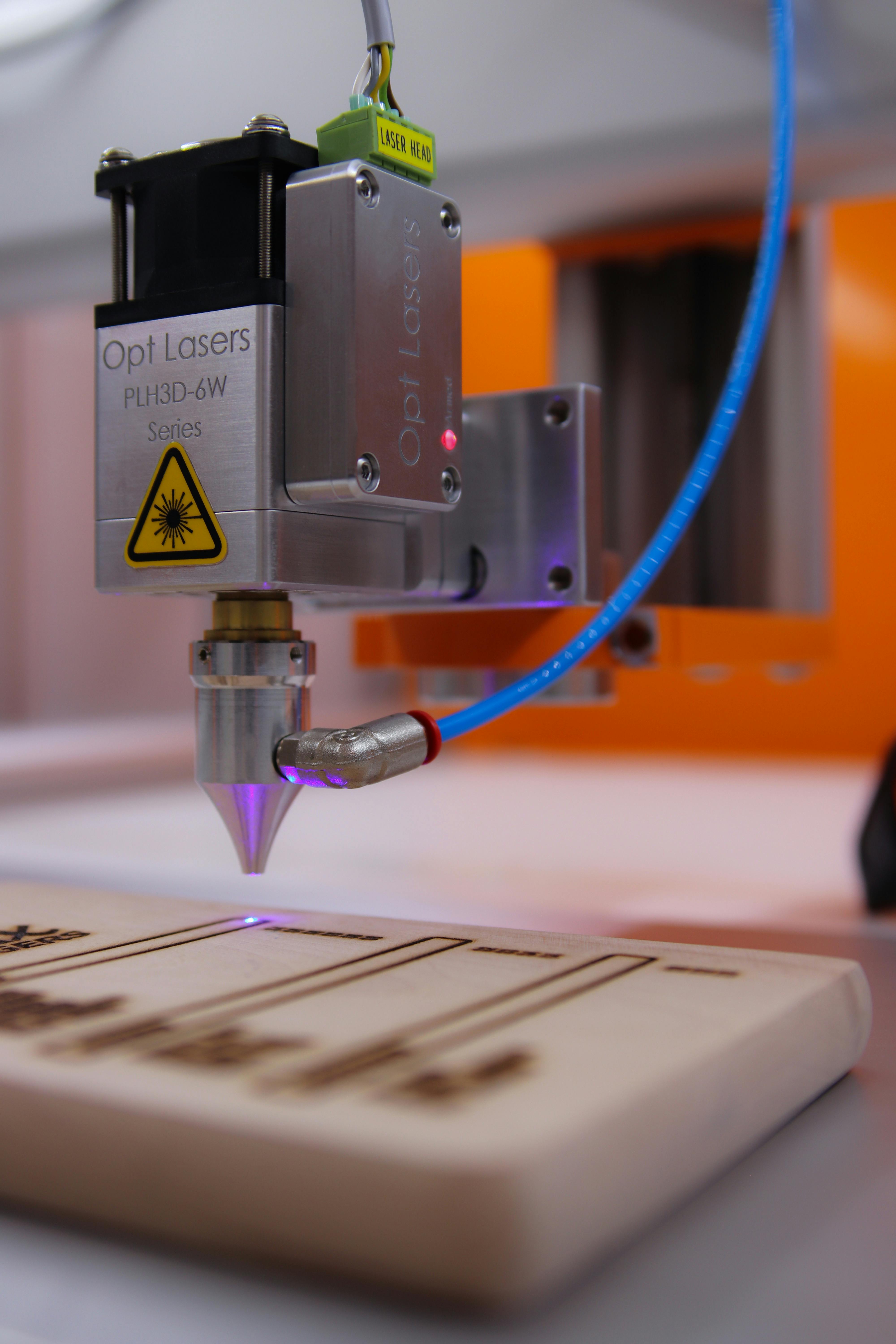
When I started using laser software, like xTool Creative Space or xTool Studio, I relied heavily on default and preset settings. I assumed they had to be correct if they were built into the software.
While presets are great starting points, they aren’t optimized for your specific materials, especially if you’re sourcing materials from different suppliers.
Many presets use higher power settings to guarantee a cut, but that often leads to unnecessary charring that could be avoided with minor adjustments.
The Real Lesson
Default laser settings aren’t wrong, they’re just not optimized for your material and setup.
What I’d Do Differently
I now use presets as a baseline, often incorporating them into test grids, and then adjust from there.
Quick Tip
Use recommended settings to get close, not to replace testing.
If I Were Starting Over With a Laser Cutter, I’d Focus on This First
If I could go back to my early laser days, I’d focus less on penny-pinching material and more on:
- testing and learning how different materials behave
- experimenting with setting combinations to understand their effects
- building simple test grids and checklists to reuse for later
- documenting settings consistently from the start
Those skills matter far more in the long run than any single project.
Final Thoughts
Making mistakes during your laser cutting and engraving journey doesn’t mean you’re bad at it, it’s part of learning a new skill. Mistakes only become a problem when a lesson isn’t learned from them.
The real skills most beginners overlook are testing, documentation, and patience. Each one of these mistakes taught me something that still shapes how I work and learn new things today. If this post helps you develop those sooner, then it did its job.


